Monthly
US$2.99/ month
Paid access while subscribed. Renews monthly until cancelled.
1 Lullaby credit (LBY) per paid monthly period.
Peaceful nights, one tap away.
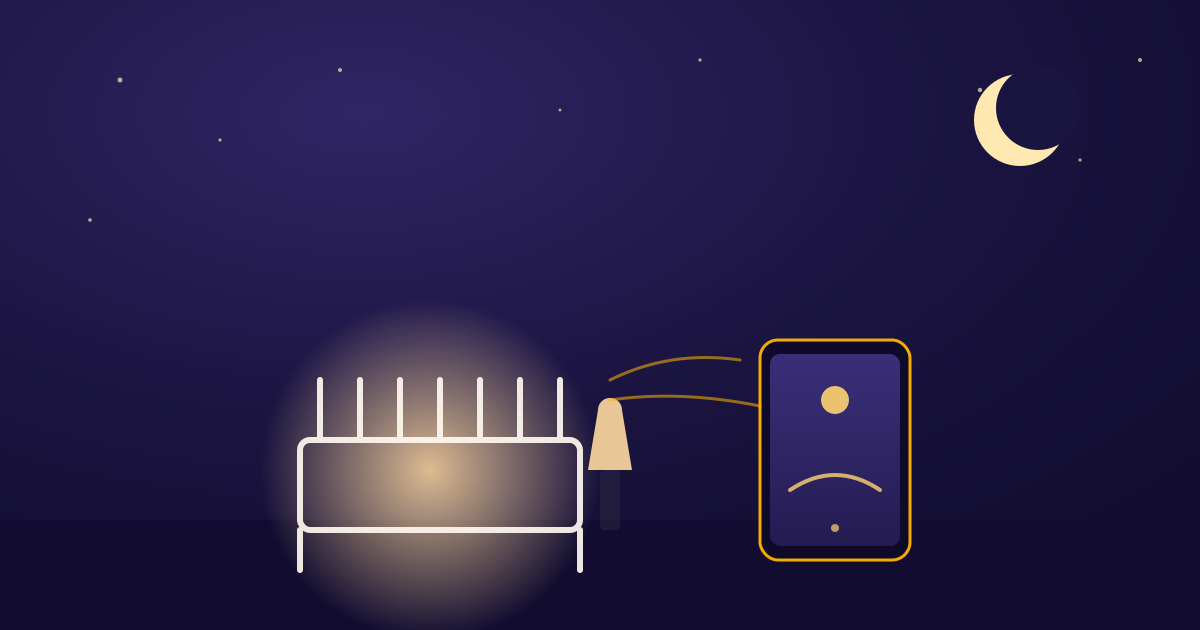
An extra phone or tablet becomes your Hub and plays the sleep sounds. Keep your own phone or watch with you as the Remote.
Lullabies is not available to download yet. Join the waitlist for launch news.
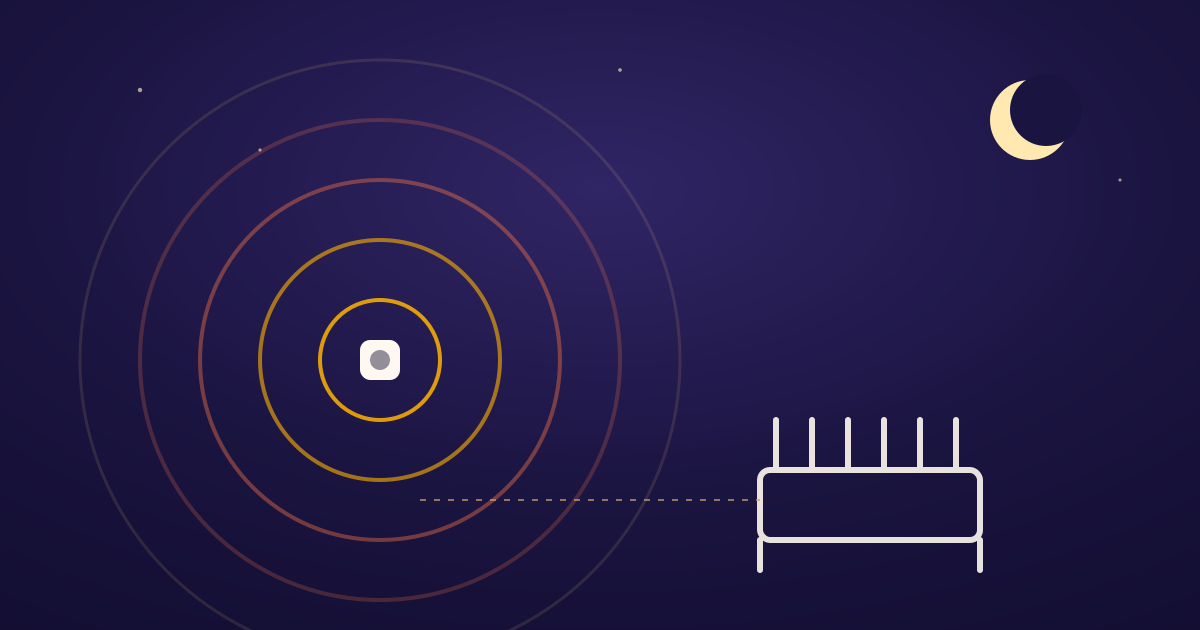
Keep it within Bluetooth reach of the Nursery speaker — that's the Hub.
Enter the Pairing Code from the Hub. Your phone becomes the Remote.
Start a sound, set a timer, and put your phone away.
Hub keeps sound going. Remote stays quick, clear, and ready for one tired hand.
Play 30 min
01
Move between rooms without mixing playback, volume, or Sleep Timers.
02
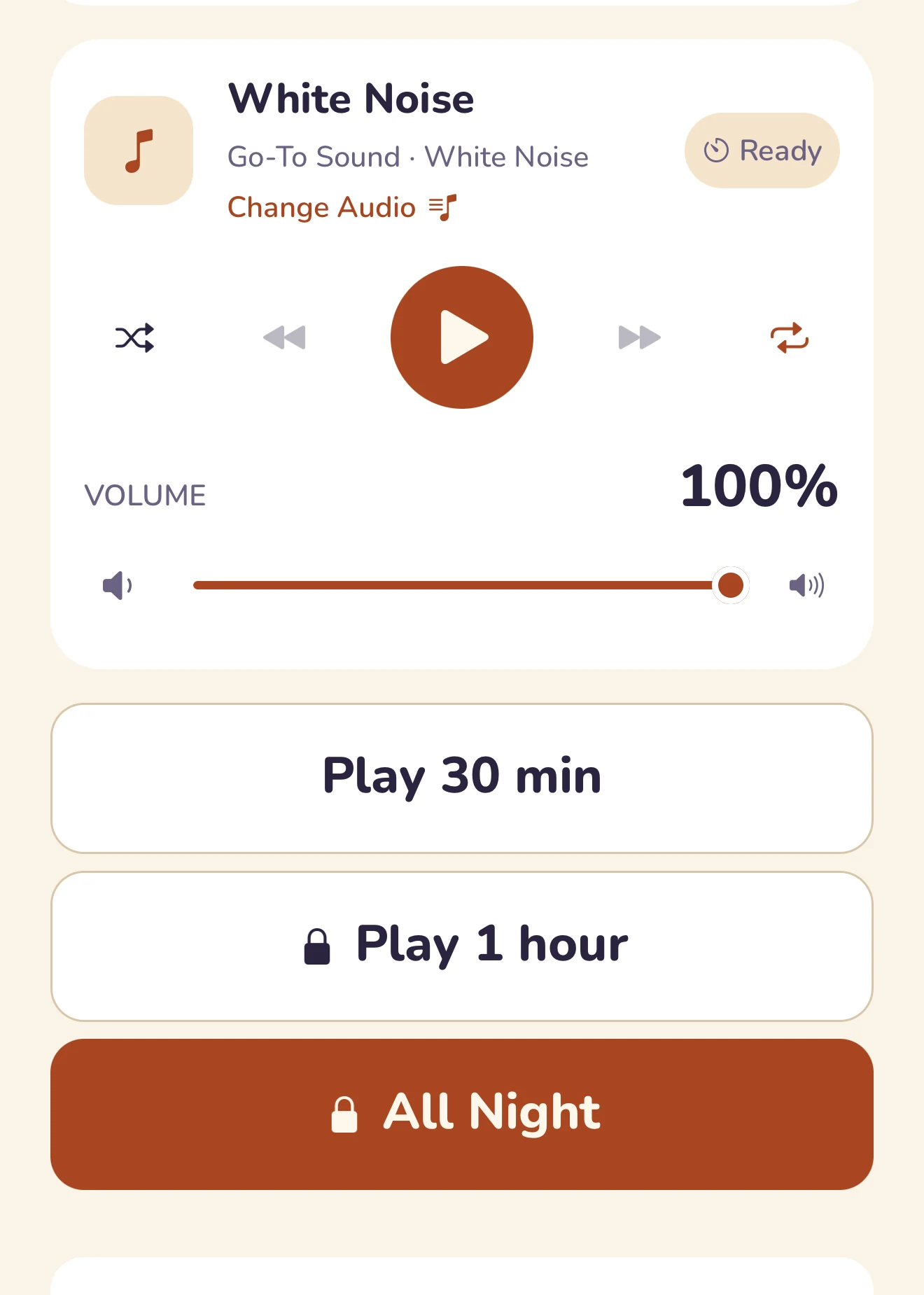
Tap 30 minutes, 1 hour, or All Night. Hub takes over from there.
03
See time remaining and nudge volume without opening music menus.
Drag across one bedtime moment: without Lullabies on the left, Remote and Hub working together on the right.
Drag the divider or use arrow keys
Set a sleep timer with a gentle fade-out, or let it play all night.
Bundled white noise and lullabies, Apple Music, or your own recordings.
Control more than one room — twins, or two kids down the hall.
Start, pause, or set a timer from Apple Watch or Wear OS.
Live camera, audio, and possible-cry alerts from the Hub — plus photo and video Moments.
Describe the lullaby you want and get a track made just for your child.
Baby Monitor is not a medical monitor and does not replace adult supervision.
Start with the essentials for free. Choose Monthly or Lifetime for the same paid features when the new plans launch.
Free forever: pairing your Hub, the 30-minute preset, and every bundled sound.
Planned US pricing, not a live offer. Prices and availability will be confirmed in your App Store or Google Play before purchase.
US$2.99/ month
Paid access while subscribed. Renews monthly until cancelled.
1 Lullaby credit (LBY) per paid monthly period.
US$24.99once
Permanent paid access with one purchase.
2 starter Lullaby credits (LBY). No monthly credit allowance.
One credit makes one Generated Lullaby. Earned and purchased credits do not expire when a subscription ends; your own ready Generated Lullabies remain playable. Additional packs contain 5 or 12 credits.
Cancelling Monthly keeps access through the paid period. Buying Lifetime does not cancel a store subscription; manage that separately in your store.
Partner offers are being prepared and are not available yet. Eligible customers may receive a two-calendar-month trial with 2 credits once, or around 20% off Lifetime. Eligibility and final terms will be shown before purchase.
Join the waitlist. No purchase or payment today.
Spotify's rules don't allow a paid app built around remote-controlling it. Lullabies plays its own bundled sounds, connects to Apple Music, or plays your own uploads instead.
For Home controls, no: both devices need internet, but can use different networks. Upcoming Local travel setup works without internet over a reachable local connection, such as shared Wi-Fi or an Android offline hotspot. Its two-way QR approval does not create a network or bypass hotel Wi-Fi isolation.
Any spare iPhone, iPad, or Android device works as the Hub. Control it from an iPhone, Android phone, Apple Watch, or Wear OS watch.
You'll see a battery warning right on your phone, so you can plug the Hub in before it dies mid-song.
The planned options are US$2.99 per month with 1 Lullaby credit per paid period, or US$24.99 once for Lifetime with 2 starter credits and no recurring credit allowance. Both include the same paid features. These plans are not live yet; your store will confirm the final price and terms. Credits do not expire on cancellation. Buying Lifetime does not cancel a monthly subscription.
No. Baby Monitor provides live camera and audio from the Hub, with possible-cry alerts and on-demand Moments. It is not a medical monitor, does not measure sleep or guarantee alerts, and does not replace adult supervision.
Be first to know when Lullabies is ready to install.
Lullabies is not available to download yet. Join the waitlist for launch news.
A closer look at what actually runs through the Hub — real screens and a real, working timer, not mockups.
Set a duration and a Fade, then let it wind down — All Night keeps playing until you stop it.
20:00
One tap plays your Nursery's default sound, set once during onboarding.
Bring your own mp3 or m4a — cached on the Hub, ready to play offline.
Every Hub and Remote stays in sync, across rooms and caregivers.
Local, on-Hub detection — audio never leaves the Hub, only the alert does.
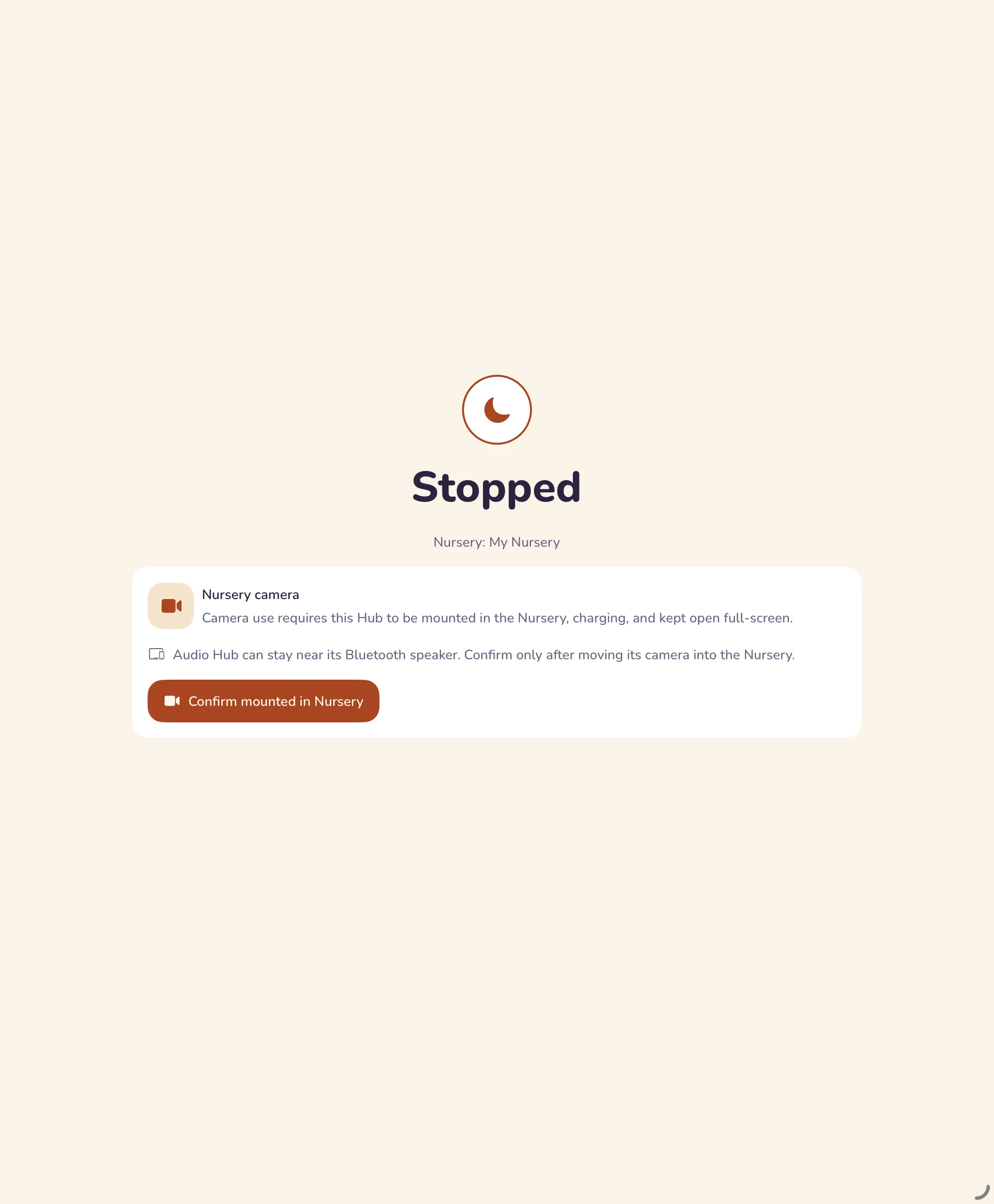
Baby Monitor
Live camera and audio, plus on-demand Moments. Included in the upcoming paid plans.
Bundled sounds, Apple Music, or your own Uploads — never locked to one library.
Sourced, calm reading — sleep basics, Baby Monitor guidance, and how to get the most from Lullabies.
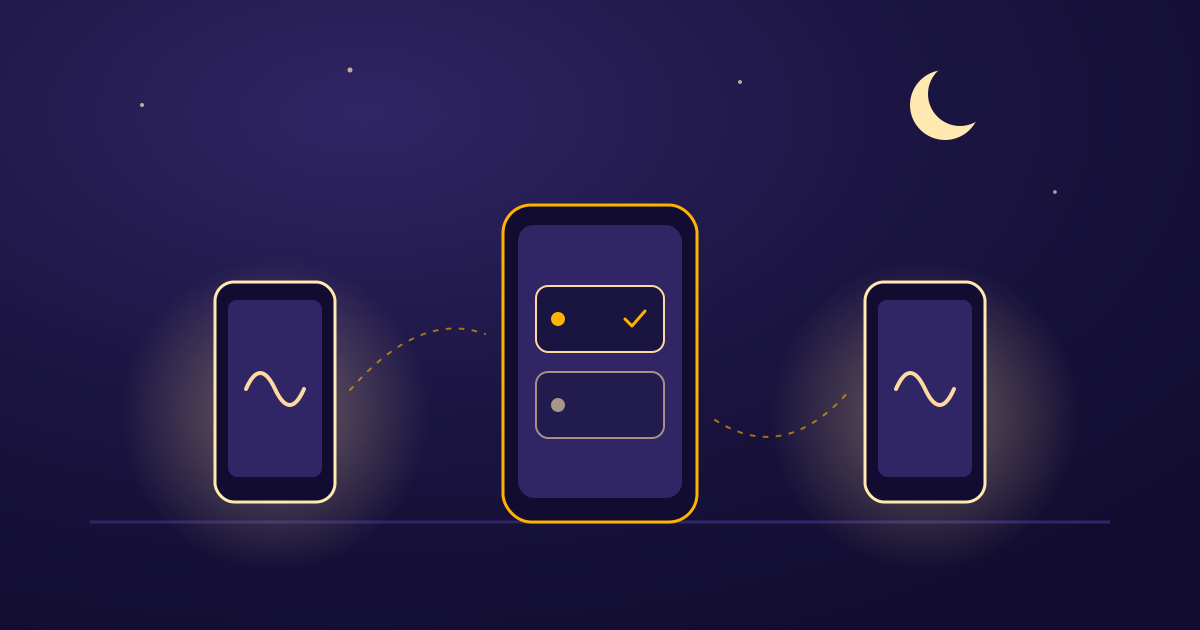 Using LullabiesAdding a second Nursery for twins or two childrenCreate a second Nursery, pair its own Hub, and switch between separate audio setups from one Remote. Here is what to check at each step.3 min read
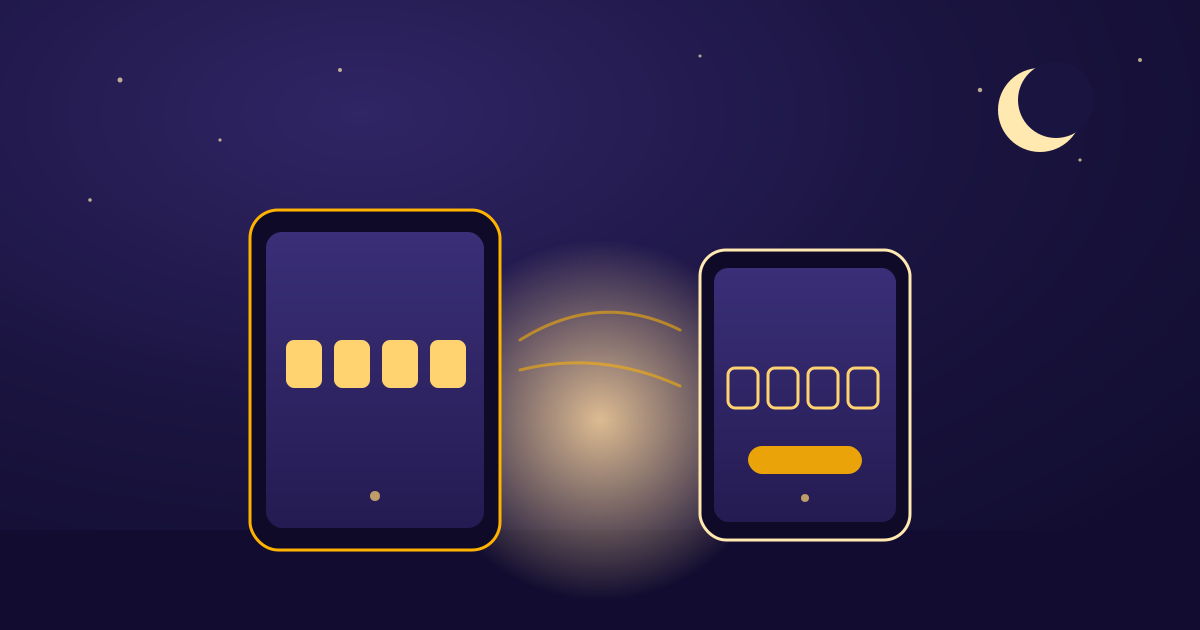 Using LullabiesSetting up your first Nursery, in orderName the Nursery, enter the Hub's 4-digit Pairing Code, then pick a Go-To Sound. That order is the setup.4 min read
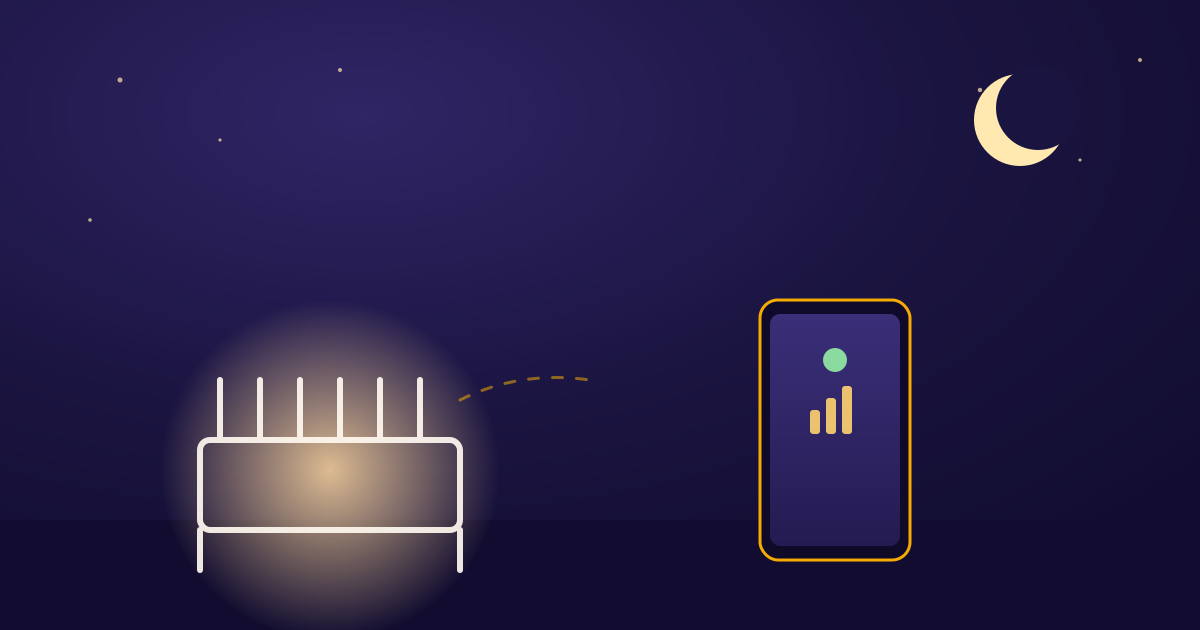 Using LullabiesWhat “Reconnecting…” and “Hub offline” Really MeanWhat the Nursery card's “Reconnecting…” and “Hub offline” labels actually track, and what's worth checking first.4 min read